Automatic malware removal
AI Malware Guard scans files and database, then automatically cleans and redeploys, no downtime, no manual cleanup, no waiting on a support ticket.
See malware protection
Ditch the plugin chaos and expensive agencies. It automatically removes malware and gives you full control to manage all your sites right from your phone, complete with real-time push alerts.
Built for WordPress owners, agencies & developers
Most WordPress security tools spot a problem and leave the cleanup to you, usually after the damage is already done. WP Tailwatch was built to act instead of just alert, removing threats automatically and keeping every connected site healthy. Here's what sets it apart.
AI Malware Guard scans files and database, then automatically cleans and redeploys, no downtime, no manual cleanup, no waiting on a support ticket.
See malware protectionApprove updates, restore sites, block attackers, and read real-time push alerts from a native mobile app, for one site or hundreds, from anywhere.
Explore the appEvery WP Tailwatch feature is a plugin you'd otherwise install separately, malware scanning, firewall, login defense, backups, 2FA, monitoring, hardening and 23+ more. One platform. Less bloat, fewer conflicts, faster sites.
Why one platformThere's no developer to hire and no server config to touch. Connect your site once, and WP Tailwatch monitors, protects and fixes it automatically around the clock. You stay in control from your phone, wherever you are.
Download the WP Tailwatch plugin for free from the WordPress.org directory. Installation takes about a minute, no developer needed.
Link your site to your free WP Tailwatch account in one tap. No server config and nothing to maintain.
Get real-time alerts, automatic malware removal, and full control of every site from the Android app (iOS coming soon).
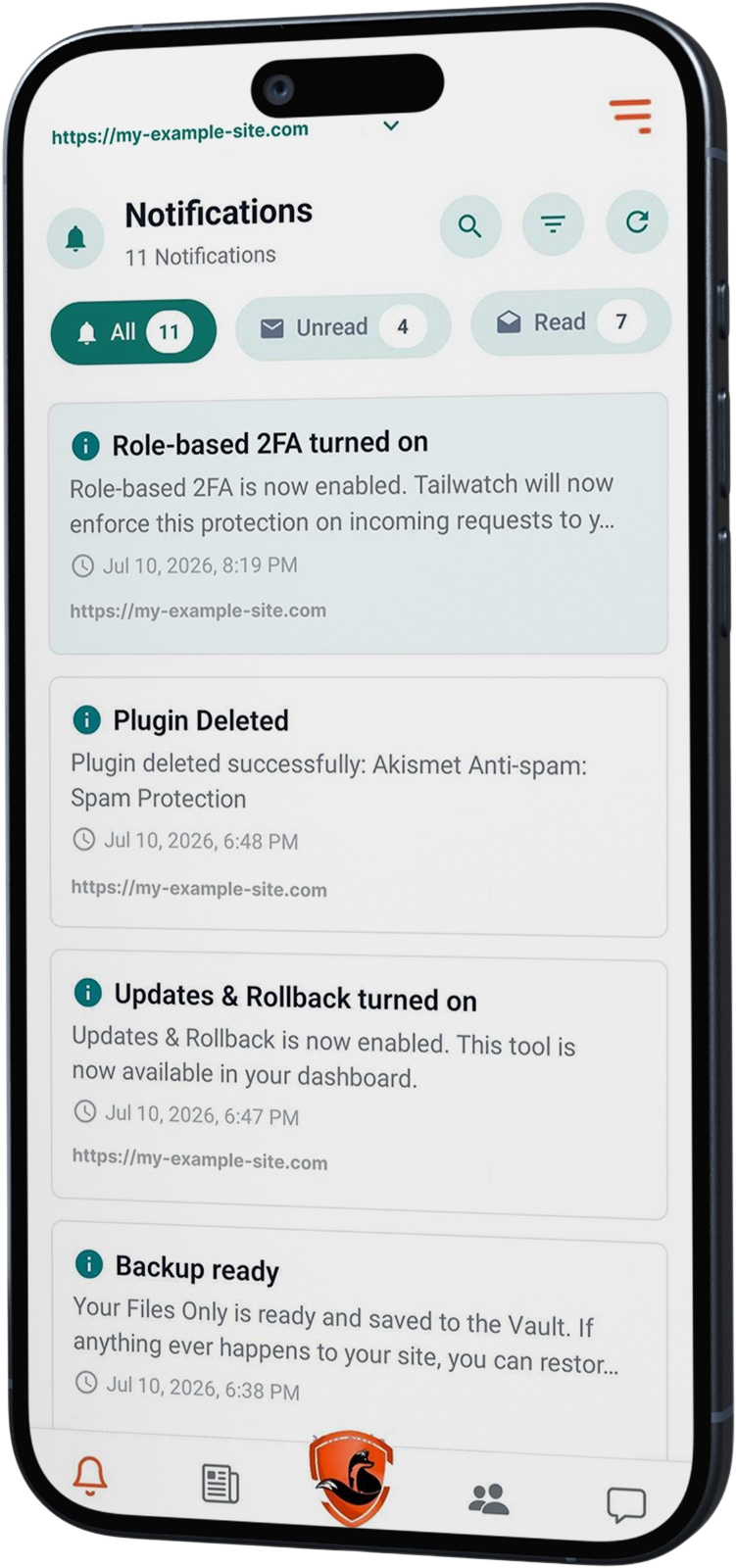
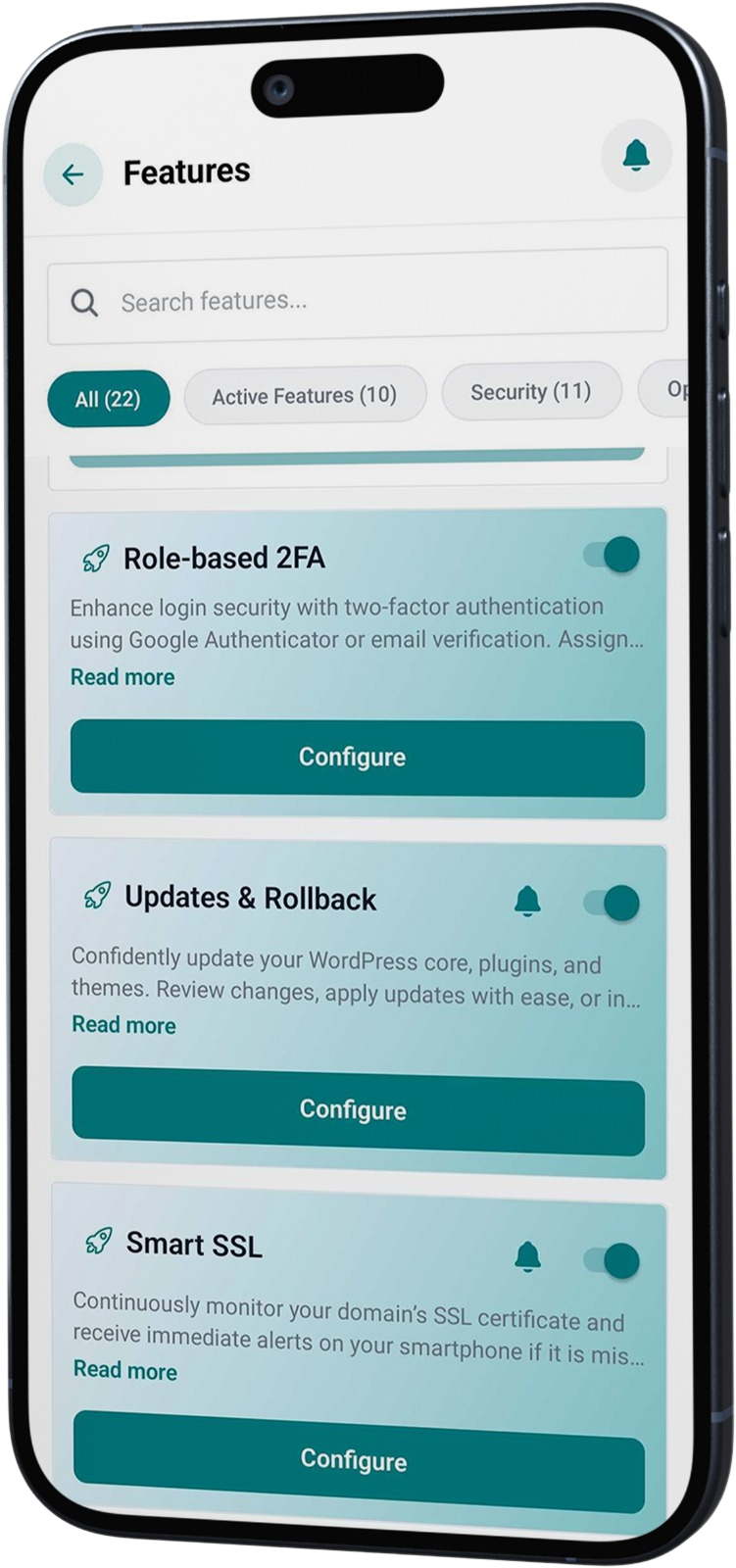
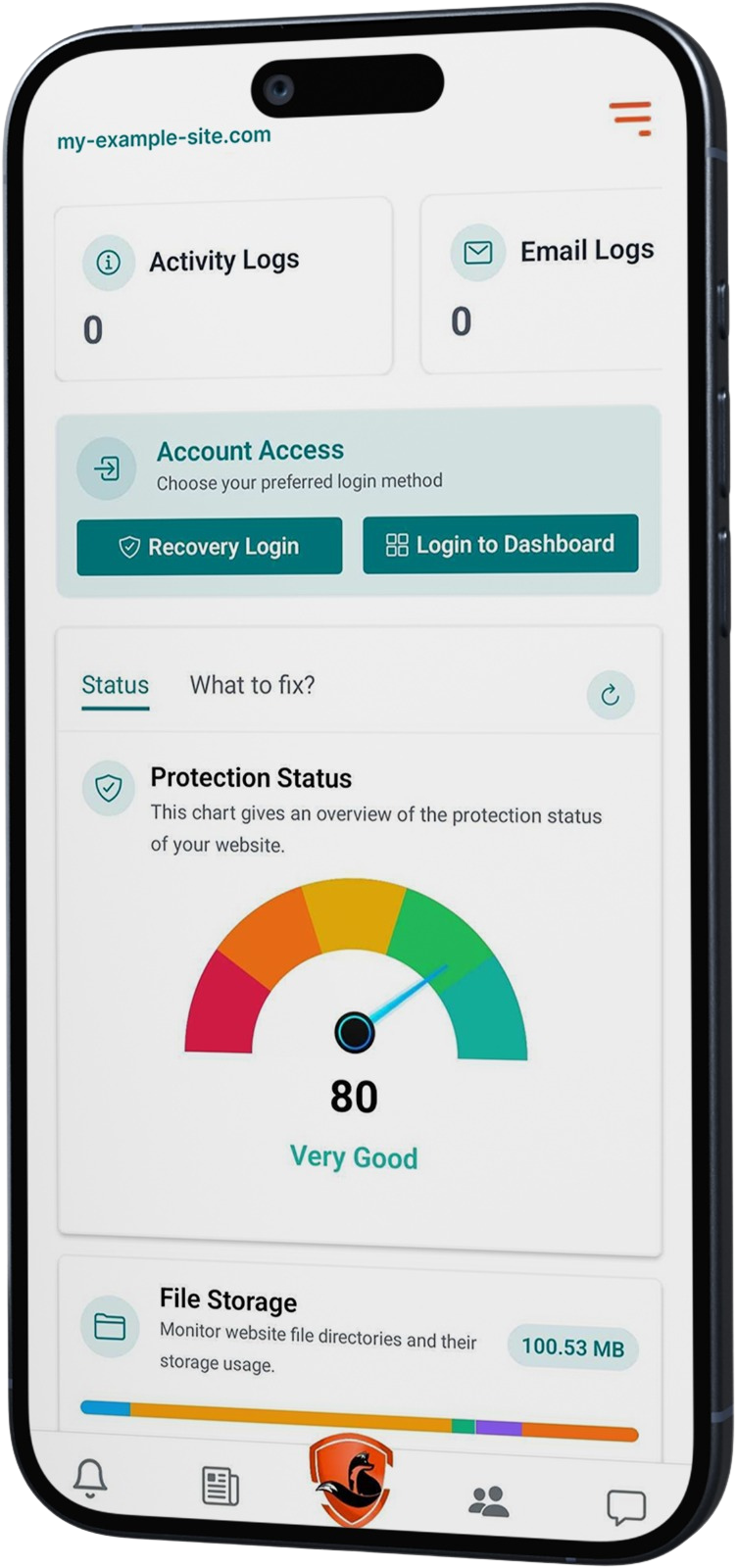
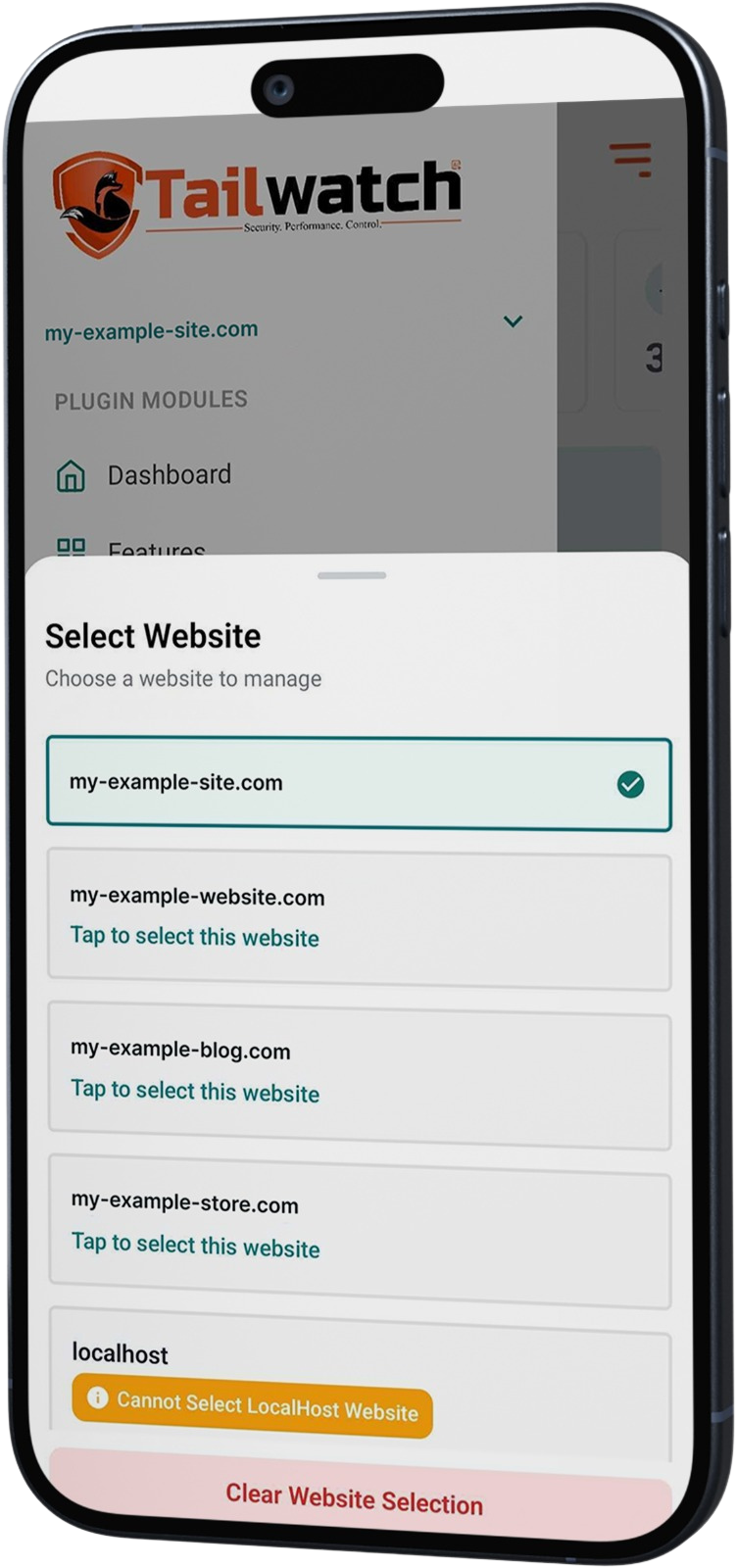
Other tools bolt on a clunky mobile view. WP Tailwatch was designed mobile-first, so the moment something happens to your site, you fix it from wherever you are, in a single tap. This is the real app.
WP Tailwatch's AI engine scans your files and database, removes malware, and blocks attacks automatically, 24/7, then pushes you a note about exactly what it handled. No manual cleanups, no chasing alerts.
Illustrative examples of WP Tailwatch's automatic protection in action.
Malware removal, firewall, backups, monitoring, cleanup and more, all in one lightweight app you run from your phone.
WP Tailwatch is a truly lightweight, AI-powered 360° protection suite that never slows down your sites, your server, or your hosting. In fact it runs faster and fully autonomously, watching over your websites around the clock and keeping you informed in real time with push notifications straight to your mobile app. Best of all, it consolidates 23+ tools into one platform and saves you from multiple plugin subscriptions and license fees.
Track every action with detailed logs and real-time push alerts.
Detects and automatically removes malware and threats in real time.
360° protection from malware, attacks and exploits with a smart firewall.
Secure off-site cloud backups for quick and reliable restores.
Spot and resolve site crashes fast, before your visitors notice.
Get alerted the moment core, plugin or theme files change.
Rate-limit and challenge suspicious traffic and bad bots.
Clean and optimize your WordPress database on a schedule.
Allow or block traffic by country or IP with per-site rules.
Stop brute-force login attacks with smart limits and rules.
Approve updates and roll back safely if anything breaks.
Backups, SSL, redirects, logs, optimization and 23+ more built in.
See the difference in approach at a glance. WP Tailwatch runs your security from a mobile app, your WordPress admin dashboard, or our cloud dashboard, while traditional plugins live only in the desktop WordPress admin and stack up on your server.
| Capability | Traditional security plugins | WP TailwatchAI-Powered, 360° Protection Suite |
|---|---|---|
| Primary interfaceWhere you actually monitor and manage your live site security. | Browser dashboards onlyRequires logging into a desktop computer or heavy web admin interfaces. | Native mobile appFull site control, logs, and utilities right on your phone. |
| Alert infrastructureHow you find out your website has a critical issue or hack attempt. | Cluttered email logsAlerts get lost in spam filters or buried deep inside standard inbox folders. | Instant mobile push alertsImmediate smartphone notifications the exact second a security threat hits. |
| System footprintThe operational impact on your active WordPress site speed and server hosting. | High on-server resource dragFrequent background CPU spikes and database bloat that slow visitor loading times. | Lightweight, cloud-offloadedHeavy malware scanning and processing run on our isolated, secure cloud network. |
| Toolbox scopeWhat utilities you get included under a single, central platform subscription. | Fragmented plugin stacksOften needs 3 to 5 separate single-purpose plugins to match the same utility. | All-in-one consolidationSecurity, firewalls, backups, redirects, optimization, and analytics combined seamlessly. |
| Emergency downtime responseWhat happens when a client's website crashes while you are away from your office desk. | Blind panic workflowRequires rushing back to a computer, finding stable Wi-Fi, and manually debugging hosting panels. | Instant 1-tap recoveryFix the crash, clear the cache, or trigger an offsite rollback from your phone while on the go. |
| New site setup timeHow long it takes to configure security, backup, and optimization settings on a new site. | 30+ minutes of dragManually downloading multiple plugins, copying endless license keys, and adjusting settings per site. | 1-click app pairingScan a QR code or enter one central key, and your entire template configures itself in seconds. |
| White-label client reportsHow you show ongoing site-health value to clients to justify your monthly retainer fees. | Manual export gruntworkRequires extracting confusing CSV files, formatting sheets manually, and composing desktop emails. | Automated mobile sharingGenerate and text or email clean, professional performance reports via your phone's share sheet. |
| Agency scaling costsHow your software platform expenses increase as your business takes on more clients. | The per-site pricing trapForces you to buy separate premium licenses for every single site and utility feature. | Predictable bulk licensingFlat, tiered agency packages built for growth without exponential invoice spikes. |
| Master dashboard securityKeeping core security settings safe from compromised admin passwords or ex-employee access. | Standard web passwordsIf an administrator password leaks, anyone can disable your entire firewall instantly. | Biometric hardware lockMaster controls are secured behind your smartphone's physical FaceID or TouchID biometrics. |
| Emergency remote commandsHow you run deep structural fixes when a fatal script error breaks the WordPress admin completely. | Desktop terminal / cPanel dragRequires opening a laptop, configuring terminal keys, and manually locating server directories. | Native mobile command shortcutsFlush caches, toggle dev mode, or clean databases via secure in-app actions. |
| Portfolio security lockdownYour immediate response when a major global exploit targets the broader WordPress ecosystem. | Manual site-by-site syncForces you to click into every single client dashboard individually to deploy custom rules. | Global mobile panic buttonOne tap in the app triggers high-alert firewall restrictions across your entire site portfolio. |
Disclaimer: Comparative specification data is compiled for general informational purposes to illustrate architectural differences between WP Tailwatch's mobile-centric framework and traditional desktop-focused WordPress configuration models. Features, performance metrics, and pricing claims are based on typical industry market baselines and are subject to change over time without notice.
We back our platform with a 14-day money-back guarantee. Take a full month to pair your sites, run cloud scans, and test mobile push alerts. If you do not save hours of desk-bound management time, we will refund every single penny.
"I was tired of stitching together five security plugins per site and still finding out about hacks too late, usually from a customer. WP Tailwatch is the tool I wanted: one platform that removes threats automatically and pings my phone the second anything matters. It's live today, now you can run WordPress security from your phone."
Waleed Afzal, Founder, WP Tailwatch
Add the "WP Tailwatch" plugin to your WordPress site directly from your WordPress dashboard, connect the mobile app, and protection starts in minutes. No credit card required.
Simple pricing that scales with you: you pay per website, and the more sites you connect, the lower the price per site. Start free on a single site, then unlock automatic malware removal whenever you're ready. No contracts, and you can cancel anytime.
Still weighing things up? These are the questions site owners, freelancers and agencies ask us most about how WP Tailwatch works, what's included, and how it compares. Can't find yours? Reach out any time.
WP Tailwatch is a mobile-first WordPress security and management platform. It detects and automatically removes malware, blocks attacks with a firewall, monitors your sites 24/7, and lets you manage every connected site from a native mobile app, the WordPress dashboard, or the WP Tailwatch cloud dashboard.
Yes. On the Business and Agency plans, AI Malware Guard detects and automatically removes malware from your files and database, then redeploys clean files without downtime. The free Basic plan includes manual malware scanning.
There's a free Basic plan for one site. Business is $20/month per site (1-20 sites), or $15/month per site on yearly billing, which takes 25% off the first year only and then renews at the standard $20/month per site.
Agency adds automatic volume pricing for sites 21 to 1,000: $15/month per site for 21 to 40 sites, $14/month per site for 41 to 80 sites, $13/month per site for 81 to 100 sites, and $10/month per site for 101 to 1,000 sites, on top of $20/month per site for the first 20 websites. Yearly billing takes 20% off the first year only, then renews at standard prices.
Yes. WP Tailwatch is a modern, mobile-first alternative to Wordfence, Sucuri, MalCare, and Solid Security. It consolidates malware scanning and removal, a firewall, login protection, backups, monitoring, and multi-site management into one platform you control from your phone.
No. WP Tailwatch replaces separate malware scanners, firewalls, login-protection plugins, backup plugins, 2FA plugins, and uptime monitors, ending the plugin chaos that slows sites down and creates conflicts.
No. You install the WP Tailwatch plugin, connect your site to the app in minutes, and protection starts immediately, no server configuration or developer required.
No. Heavy scanning runs in WP Tailwatch's cloud rather than on your server, so your site stays fast. Consolidating 23+ plugins into one platform also removes the bloat and conflicts that usually slow WordPress down.
Yes. You can connect and manage 1 to 1,000 sites from a single dashboard and the mobile app, with real-time push alerts for every connected site. Agency volume pricing lowers the per-site cost as you scale.
No. The free Basic plan needs no credit card. You can upgrade to Business or Agency anytime, and paid plans are covered by a 14-day money-back guarantee.
Get automatic malware removal, real-time alerts and full control of every site right from your phone. Start free in minutes with no credit card required, and upgrade only when you're ready.