Basic, Free
Scheduled offsite backups and one-click restore for 1 site, with a window of recent restore points so you always have something to roll back to.

Backup Vault copies your WordPress files and database to secure offsite storage on a schedule, then lets you roll your entire site back to a known-good version with a single tap. No backup plugin, no manual copies, no FTP.
Backup Vault is a WP Tailwatch feature that automatically backs up your WordPress files and database to encrypted offsite storage on a schedule, keeps a history of restore points, and lets you restore your entire site in one click from the cloud dashboard or mobile app, replacing standalone backup plugins like UpdraftPlus.
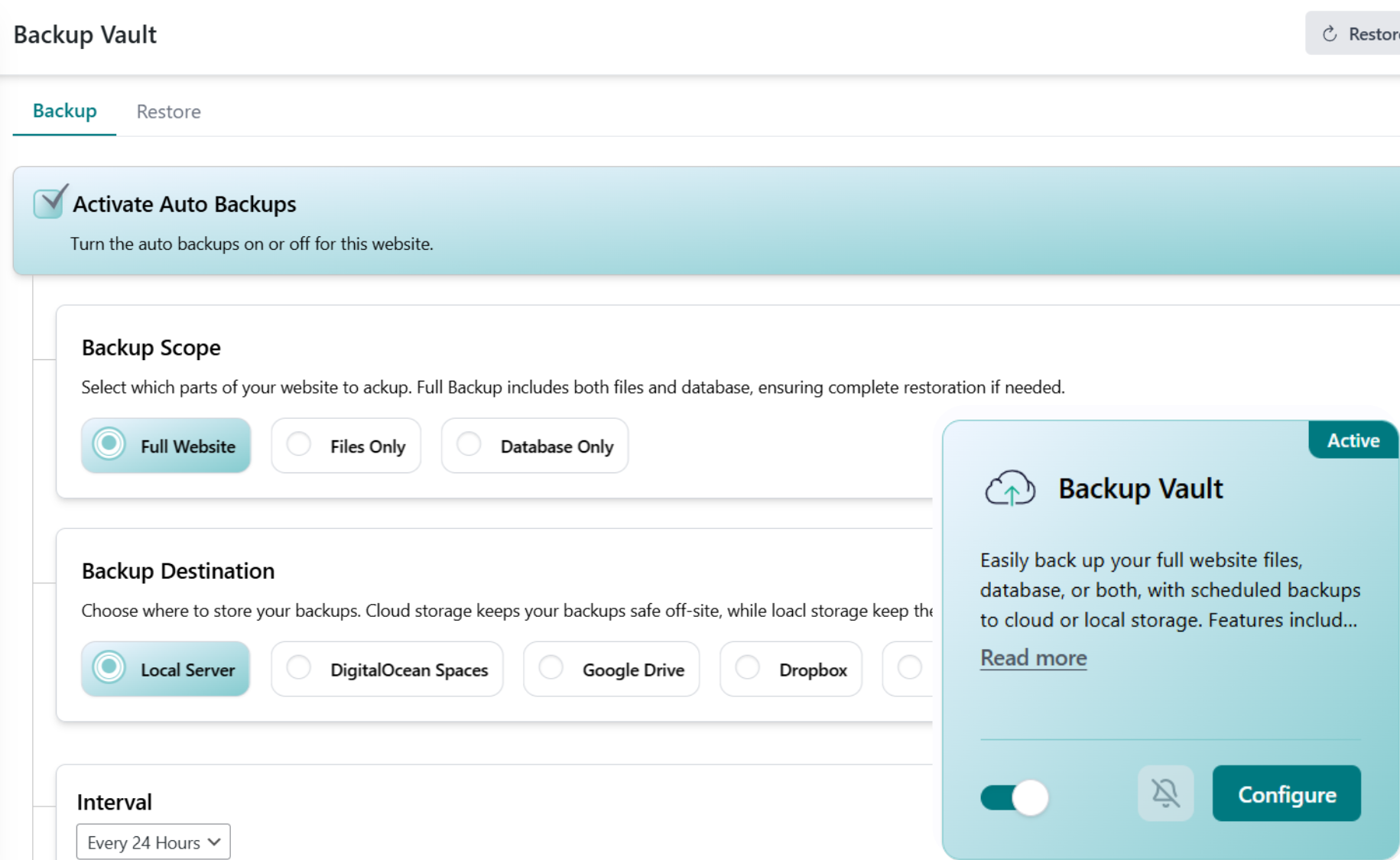
Manual backups get forgotten, and host backups disappear right when you need them. Backup Vault runs on autopilot: it captures your files and database offsite, keeps a history of restore points, and puts everything back with a single tap.
Connect your site, WP Tailwatch backs up files and database offsite on a schedule, and one tap restores the whole site when you need it.
Add your site once and choose how often Backup Vault runs. From then on it captures your files and database automatically, nothing to remember, nothing to trigger by hand.
Each backup is encrypted and streamed to offsite storage that lives separately from your web host, and added to a history of restore points you can roll back to.
If something breaks, pick a restore point and tap Restore. WP Tailwatch puts your whole site back in place from the cloud dashboard or the mobile app, no FTP required.
WordPress powers around 43% of all websites on the internet, which makes it both the most popular way to build a site and the single biggest target for attacks and bad updates. Source: W3Techs CMS usage statistics. When a plugin update goes wrong, a hack injects code, or your host has a bad day, the difference between a five-minute fix and a lost site is whether you have a recent, working backup stored somewhere safe.
Backups kept on the same server as your site can vanish along with it, and manual backups are the first thing people forget. Backup Vault removes the human error: it runs on its own, stores copies offsite and encrypted, and lets you restore the whole site in one click. That is the WP Tailwatch difference, recovery you can count on, not a backup you hope still exists.
Every site gets offsite backups for free, upgrade for more frequency, retention, and multi-site control.
Scheduled offsite backups and one-click restore for 1 site, with a window of recent restore points so you always have something to roll back to.
More frequent backups and longer retention for 1-20 sites, ideal for stores and busy blogs that change throughout the day.
Backups across 21-1,000 sites with tiered volume pricing, extended retention, and one dashboard to back up and restore your whole portfolio.
Backup Vault pairs with the rest of WP Tailwatch to remove the need for separate plugins.
Common questions about automatic offsite WordPress backups and one-click restore with WP Tailwatch.
Backup Vault runs on a schedule in the background, copying your WordPress files and database to secure offsite storage. You connect your site once, choose how often backups run, and they happen automatically from then on. Every successful backup is added to your backup history so you always have a recent restore point.
Backups are stored offsite, on infrastructure separate from your web host. Keeping copies away from your server means that if your host goes down, your site is hacked, or a bad update corrupts things, your backups are unaffected and ready to restore. You never have to manage FTP transfers or download archives by hand.
Open Backup Vault, pick the restore point you want, and tap Restore. WP Tailwatch puts your files and database back in place for you, no FTP, no database imports, no plugins to wrestle with. You can do it from the cloud dashboard or right from the mobile app.
The free Basic plan includes scheduled offsite backups so every site has a recent restore point. The Business and Agency plans add more frequent backups for sites that change often, such as stores and busy blogs, so you lose as little as possible if you ever need to roll back.
Backup Vault keeps a history of restore points so you can roll back to a known-good version, not just the most recent copy. The free plan keeps a basic window of recent backups, while the Business and Agency plans extend retention so you can reach further back when you need to.
Yes. A WordPress site is your files (themes, plugins, uploads) plus your database (posts, pages, settings, orders). Backup Vault captures both together, so a restore brings back a complete, working site rather than just part of it.
No. Backups run in the background and stream to offsite storage, so the heavy lifting happens off your server rather than tying up your site for visitors. Your pages keep loading normally while a backup is in progress.
Backup Vault is available on every plan, including the free Basic plan for one site. Paid Business and Agency plans add more frequent backups, longer retention, and multi-site management for people running several WordPress sites.
Yes. On the Business and Agency plans you can manage backups for all of your WordPress sites from a single WP Tailwatch dashboard, see the backup status of each at a glance, and restore any of them in one click without logging into each site separately.
Yes. Backup Vault replaces standalone backup plugins like UpdraftPlus, so you do not need to install and maintain a separate plugin on every site. It is part of WP Tailwatch, which replaces 23+ separate plugins by bringing backups, security, monitoring, and more into one platform.
Yes. Backups are encrypted and stored offsite on infrastructure separate from your host, so your data stays protected in transit and at rest. Because the copies live away from your server, they remain safe even if your site itself is compromised.
Automatic offsite backups and one-click restore, with real-time control straight from your phone. Start free today.