Basic, Free
Core Geo Blocking for 1 site, so you can blacklist high-risk countries and protect your login out of the box.

Geo Blocking lets you whitelist or blacklist entire countries so requests from regions you don't do business with never reach your WordPress site. Shrink your attack surface, stop brute-force bots from high-risk countries, and keep real customers flowing.
Geo Blocking is a WP Tailwatch feature that restricts WordPress logins and traffic by country. You whitelist or blacklist regions, so requests from countries you don't do business with are blocked before they reach your site, cutting your attack surface while real customers stay unaffected.
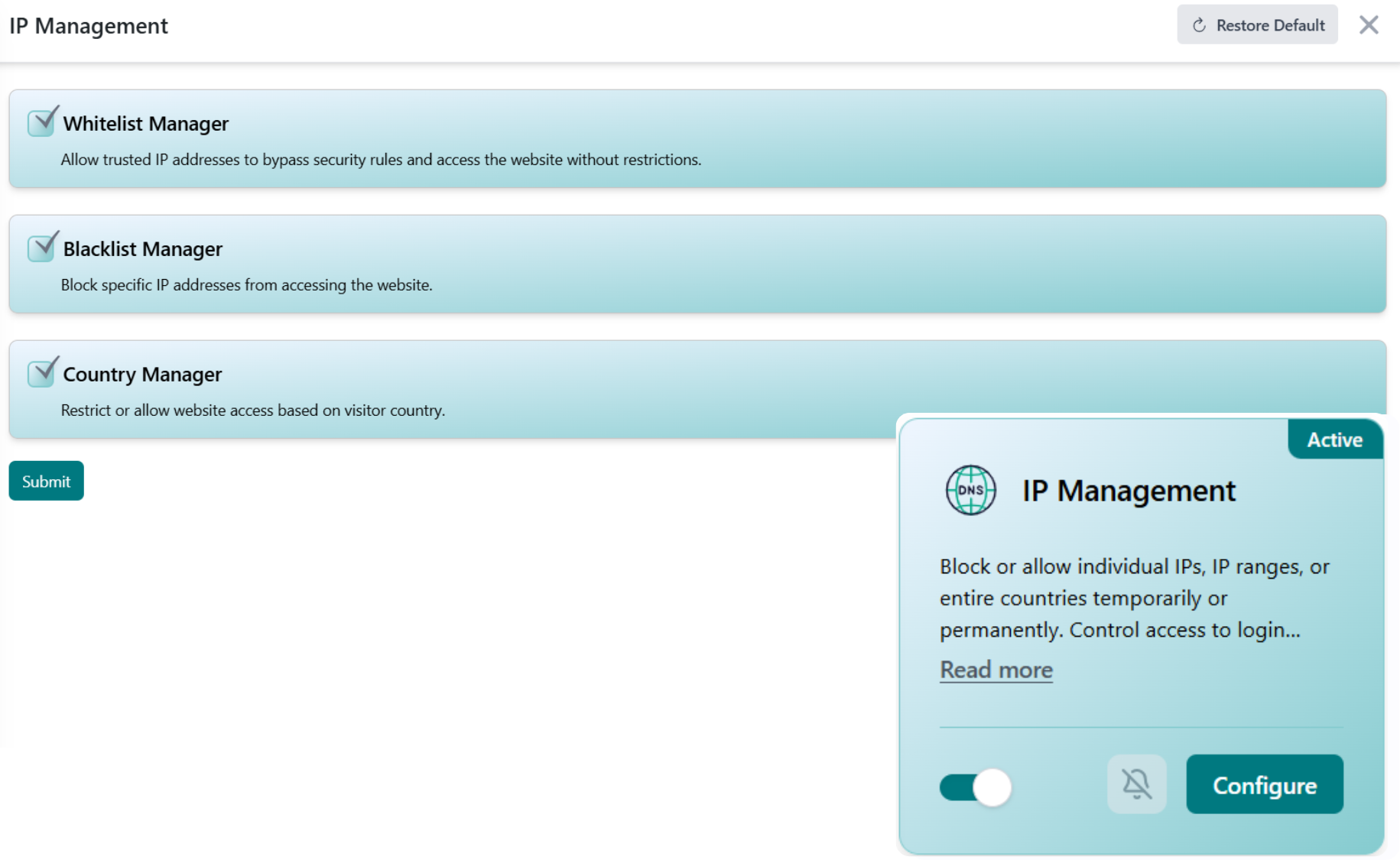
A huge share of attacks on WordPress come from regions where you have no customers. Geo Blocking lets you draw a line on the map, allow your markets, block the rest, or simply blacklist the high-risk countries hammering your login page.
Set your country rules once and every visitor is checked at the edge before WordPress loads, so blocked regions never reach your site while your real markets browse normally.
Pick blacklist mode to block specific high-risk countries, or whitelist mode to allow only the regions you serve, for the whole site or just the login page.
Each incoming visitor's country is identified at the edge and checked against your rules before WordPress ever loads a page.
Visitors from allowed countries browse normally. Requests from blocked regions are turned away, and you can review blocked activity right from your phone.
WordPress runs roughly 43% of all websites, which makes it a constant target for automated attacks scanning logins and probing for vulnerabilities from every corner of the globe. Source: W3Techs CMS usage statistics. A large slice of that hostile traffic originates from countries where you have no customers at all.
Geo Blocking turns that geography into a defense. By allowing only the regions you actually serve, or blacklisting the ones flooding your login page, you cut your attack surface dramatically without adding friction for real visitors. That's the WP Tailwatch approach: fewer doors for attackers, none closed on your customers.
Start blocking high-risk regions for free, scale up across every site you manage.
Core Geo Blocking for 1 site, so you can blacklist high-risk countries and protect your login out of the box.
Whitelist and blacklist modes, per-section rules, and blocked-traffic logs for 1-20 sites, paired with the full WP Tailwatch security suite.
Per-site country rules across 21-1,000 sites with tiered volume pricing and one dashboard for your whole portfolio.
Geo Blocking pairs with the rest of WP Tailwatch, replacing 23+ separate plugins with one platform.
Straight answers on whitelist and blacklist modes, login protection, and how geo rules work across the free and paid plans.
Geo Blocking restricts WordPress logins and traffic by country. You choose which countries to allow or block, so requests from regions you don't do business with are stopped before they reach your site, shrinking your attack surface without affecting real customers.
Yes. You can restrict access to wp-admin and the login page to only the countries you operate in. Brute-force bots and credential-stuffing attempts from blocked regions never even reach your login form.
Blacklist mode blocks specific high-risk countries while allowing everyone else. Whitelist mode does the opposite, it allows only the countries you select and blocks the rest, which is ideal if you serve a single country or region.
Yes. Geo Blocking is fully available now as part of WP Tailwatch, there is no waitlist or beta. Core geo blocking is included on the free Basic plan, with full controls on the Business and Agency plans.
No, as long as your rules match where you do business. Geo Blocking only stops traffic from the countries you choose, so visitors in your allowed regions browse normally while requests from blocked countries are turned away.
Yes. Geo Blocking layers on top of WP Tailwatch's Login Defender and Firewall, so country rules, brute-force protection, and request filtering all work together as one defense rather than separate plugins.
A standalone plugin only handles country blocking. Geo Blocking is one of 23+ tools inside WP Tailwatch, so you replace a single-purpose plugin and dozens of others with one platform, managed from your phone and one cloud dashboard.
Yes. From the WP Tailwatch mobile app and cloud dashboard you can configure separate geo rules for every site you manage, which is ideal for agencies running sites that serve different countries.
No. Country lookups happen quickly at the edge of each request, so legitimate visitors in your allowed regions experience no noticeable delay while blocked traffic is rejected before it consumes server resources.
Whitelist your markets, blacklist high-risk countries, and protect your login from brute-force bots abroad. Start free today.