Basic, Free
Core Traffic Shield bot protection for 1 site, with reCAPTCHA challenges on suspicious traffic out of the box.

Traffic Shield watches your incoming traffic and serves a reCAPTCHA challenge to anything that looks like a bot. Scrapers, spam tools, and brute-force scripts get stopped at the door, while real visitors browse without ever noticing.
Traffic Shield is a WP Tailwatch feature that protects WordPress from malicious bots by serving reCAPTCHA challenges to suspicious traffic. Bot-like visitors must prove they are human, so scrapers, spam tools, and brute-force scripts are blocked while legitimate visitors browse without friction.
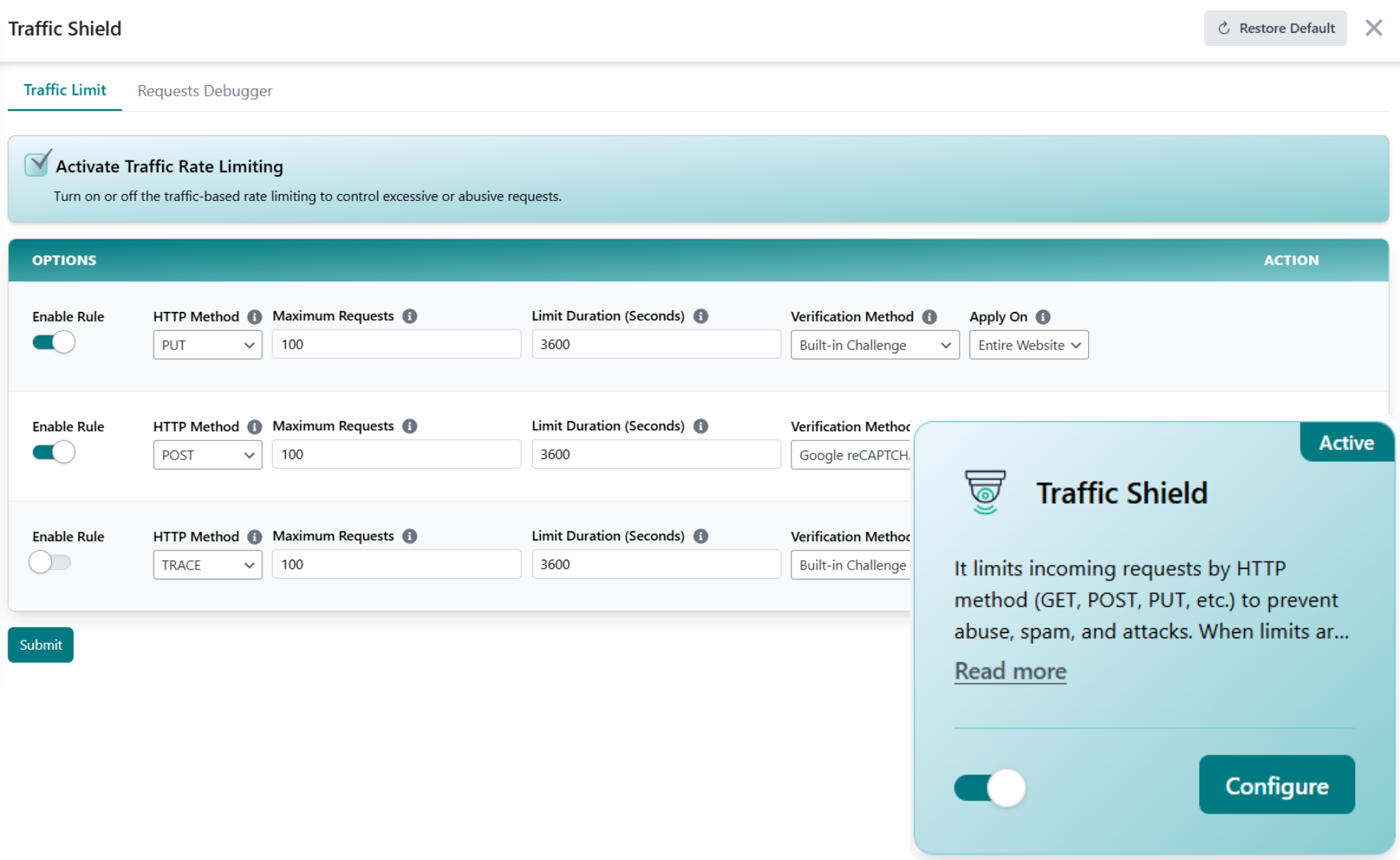
Bad bots make up a huge slice of all web traffic, quietly scraping content, spamming forms, and probing your login. Traffic Shield spots those patterns and forces a reCAPTCHA challenge that humans pass and bots don't.
Connect your site once and Traffic Shield handles the rest, scoring incoming traffic, challenging anything suspicious, and letting real people through untouched.
Every incoming request is evaluated against bot-like patterns, abnormal request rates, suspicious user agents, and known bad reputation signals.
Flagged visitors get a reCAPTCHA challenge. Humans solve it in a second; automated scrapers and brute-force scripts simply can't.
Pass the challenge and you browse normally. Fail it and you're blocked, and a real-time alert lands on your phone when bot traffic spikes.
WordPress runs roughly 43% of all websites, which makes it a constant target for automated bots scanning for vulnerabilities, scraping content, and brute-forcing logins. Source: W3Techs CMS usage statistics. Most of that traffic never converts, it only consumes server resources, pollutes your analytics, and probes for a way in.
Traffic Shield filters that noise out at the edge. By challenging only the suspicious requests, it stops malicious automation without putting a hurdle in front of the customers you actually want. That's the WP Tailwatch approach: protection that's invisible to real people and a brick wall to bots.
Start blocking bots for free, scale up across every site you manage.
Core Traffic Shield bot protection for 1 site, with reCAPTCHA challenges on suspicious traffic out of the box.
Fine-tuned sensitivity, detailed bot logs, and spike alerts for 1-20 sites, paired with the full WP Tailwatch security suite.
Bot protection across 21-1,000 sites with tiered volume pricing and one dashboard for your whole portfolio.
Traffic Shield pairs with the rest of WP Tailwatch, replacing 23+ separate plugins with one platform.
Straight answers on how detection, challenges, and blocking work across the free and paid plans.
Traffic Shield detects suspicious, bot-like traffic on your WordPress site and serves a reCAPTCHA challenge to verify the visitor is human. Real bots fail or never attempt the challenge, so scrapers, spam tools, and brute-force scripts are blocked before they reach your site.
No. Traffic Shield only challenges traffic that looks suspicious based on request patterns and reputation. Normal human visitors browse without ever seeing a challenge, so your conversion rates and user experience stay intact.
Yes. Traffic Shield uses reCAPTCHA challenges to separate humans from automated bots. When traffic is flagged as suspicious, the visitor must pass the challenge to continue, which automated tools cannot reliably do.
Yes. Traffic Shield is fully available now as part of WP Tailwatch, there is no waitlist or beta. Core bot protection is included on the free Basic plan, with full controls on the Business and Agency plans.
A standalone CAPTCHA plugin only protects forms. Traffic Shield evaluates all incoming traffic, challenges suspicious requests across your whole site, and is one of 23+ tools in WP Tailwatch, so you replace a single-purpose plugin and dozens of others with one platform.
Yes. Bots hammering your login page are a classic suspicious-traffic pattern. Traffic Shield challenges them before they can submit credentials, and it works alongside WP Tailwatch's Login Defender and Firewall for layered protection.
No. Traffic Shield is tuned to recognize legitimate crawlers and good bots, so Googlebot and other verified search engines continue indexing your site normally while malicious scrapers and spam bots are challenged.
Yes. From the WP Tailwatch mobile app and cloud dashboard you can see bot activity and manage Traffic Shield for every site you own in one place, which is ideal for agencies running many WordPress installs.
Challenge suspicious traffic with reCAPTCHA, keep real visitors flowing, and get alerts when bot activity spikes. Start free today.